 01
 02
 03
 04
Create. Customize. Publish in 3D-AR.
A browser-based studio for interactive 3D and AR. Upload or generate models with AI, fine-tune materials and scene, publish anywhere.
Free to start, no credit card required.

Arlo Lounge Chair
$1,290
Upholstery Era fabric
Colour Mocha
Wood Natural oak
Life-size
See it in your room









AI-WebGPU Powered 3D-AR Studio
BASE 3D-AR Studio by BASE BROS is a browser-based 3D and AR studio: one workspace for AI 3D generation with six engines, real-time material and scene control, and a WebGPU viewer that publishes live 3D-AR pages.
Upload or Generate
Drop your .glb or create with AI
Fine-Tune Scene & Material
Materials, reflections, environment
Publish & Go Live
3D-AR page live in seconds
Built For
Designed for professionals and creators across industries.
Zero Code Studio
Launch stunning 3D-AR viewers without developers. Just drag, drop, customize and go live. All from your browser.
Ultra Realistic Viewer
AI-WebGPU powered physically-based rendering with HDR environment maps, global illumination and photorealistic material response at up to 120 fps.
AI 3D Generation
Text to 3D and Image to 3D across six leading AI engines: Meshy, Tripo, Rodin, Hunyuan, TRELLIS and Pixal3D.
Scene Editor
Fine-tune your entire 3D scene in real time. Adjust lighting, shadows, exposure, tone mapping and environment settings with instant visual feedback.
Material Editor
Base color, roughness, metalness, normal maps, emissive, AO and opacity. Full PBR pipeline.
Publish & Share
Public links, QR codes, embed snippets. Go live with your 3D-AR viewer in seconds.
Page Builder
Create AR-ready pages with logo placement, custom button styling and responsive desktop & mobile preview.
3D Model Editor
PBR materials, 20 HDRI lighting presets, real-time shadows, camera controls and animations.
Control Editor
Fine-tune animations, auto-rotate, zoom, shadows, model positioning and camera orbit limits for the perfect viewer experience.
Augmented Reality (AR)
View models in augmented reality on iOS and Android devices with WebAR. No app install needed.
AI Assistant
Built-in AI assistant trained on Studio documentation. Get instant answers, workflow guidance and troubleshooting help 24/7.
Analytics Dashboard
Track viewer engagement, AR sessions, device breakdown and geographic data. Understand how users interact with your 3D content.
Inside the Studio
A live look at the studio: model and scene editing, custom page design and AI 3D generation in one place.



Try the 3D-AR Viewer
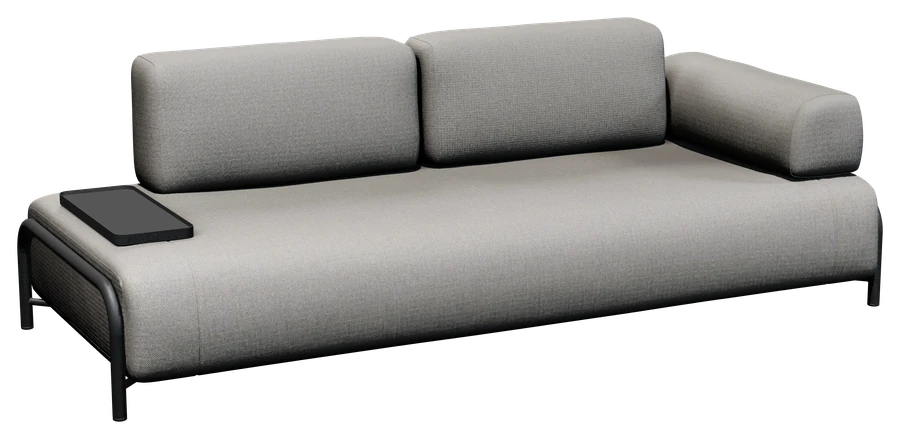
Ultra-realistic 3D with lifelike materials and real-time shadows. Place it in your space with Augmented Reality (AR).







Works Everywhere, Integrates Seamlessly
Embed on every device and every major e-commerce platform, or integrate directly through the live Public API v2.






Generate Anything in 3D
No 3D skills needed. Describe it in words or upload a reference image, and AI builds a production-ready, textured 3D model in minutes.

Text to 3D
Describe any object in words and watch AI turn your prompt into a fully textured, production-ready 3D model.
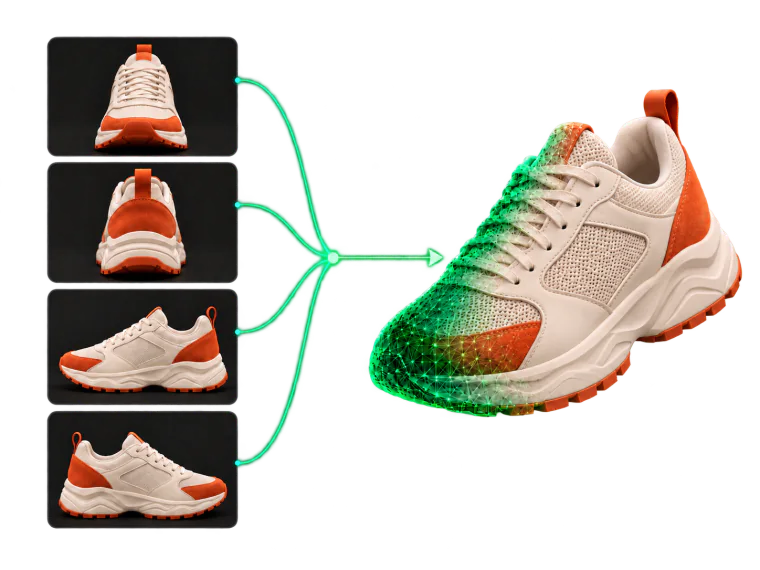
Image to 3D
Upload a photo or multiple views and get an accurate 3D model with realistic materials reconstructed automatically.
Multi-Engine AI Generation
Powered by six best-in-class AI engines, each rated for speed and detail
Generated with AI
Real models generated in BASE 3D-AR Studio. Click any model to preview it in 3D.
See What's Possible
Shoppable product pages, interactive 3D models, training material and campaigns, all published from one studio and ready to view in AR.

E-Commerce & Retail
Reduce returns with try-before-you-buy

Furniture & Home Decor
Place products in any room with AR

Fashion & Apparel
See it in AR before you buy

Automotive
Explore every detail up close

Luxury & Premium Goods
Showcase craftsmanship in stunning detail

Manufacturing & B2B
Interactive catalogs that close deals

Education & Training
Learn by interacting, not just reading
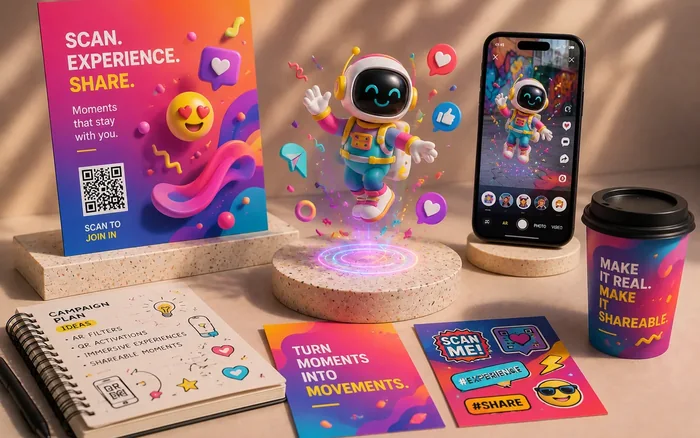
Marketing & Agencies
QR-powered campaigns that go viral
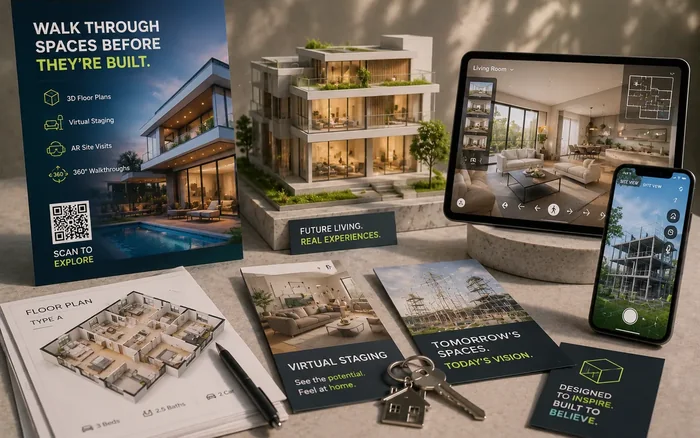
Real Estate & Architecture
Walk through spaces before they're built
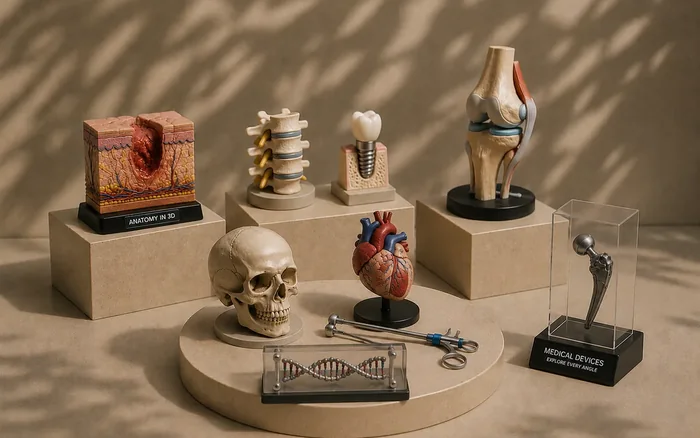
Healthcare & Medical
Train, educate, and reassure with 3D
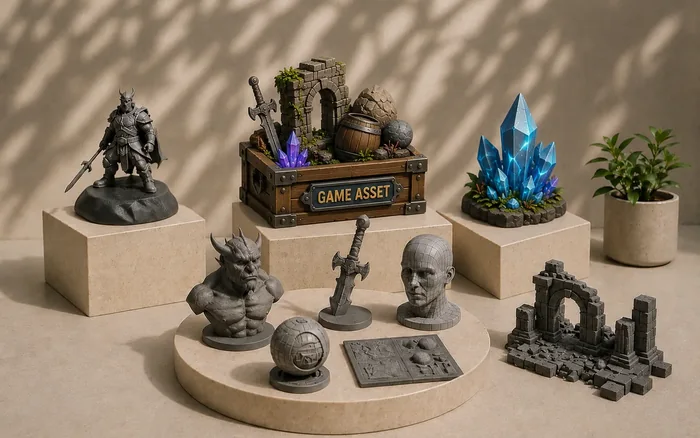
Game Studios & 3D Artists
Bring your creations to life
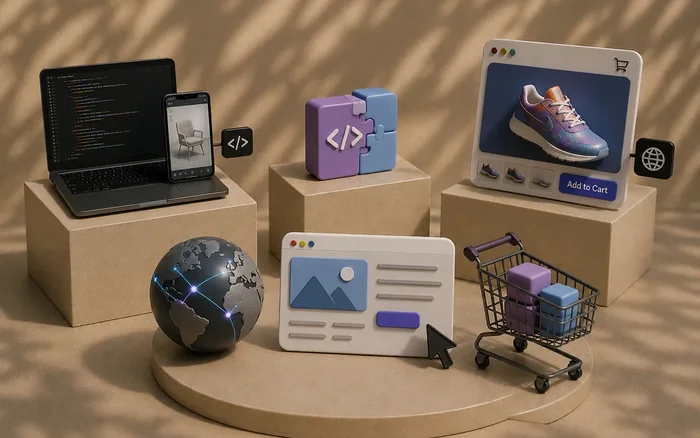
Developers & Web Agencies
Ship immersive experiences in seconds
Questions about BASE Studio
What is BASE 3D-AR Studio?
BASE 3D-AR Studio is a browser-based 3D and AR studio built by BASE BROS, available at studio.basebros.com. Teams upload a .GLB or generate a model with AI, edit materials and scene in real time, and publish a live 3D-AR page with embed code, a QR code and analytics. Rendering runs on WebGPU with an automatic WebGL2 fallback.
Who is BASE 3D-AR Studio for?
BASE 3D-AR Studio is for brands, online stores, agencies, developers and 3D creators who want to show products in interactive 3D and AR on the web. Common uses include e-commerce and retail, furniture and home decor, fashion, automotive, manufacturing, education and marketing.
Can customers see a 3D model in AR on iPhone and Android without an app?
Yes. Pages published with BASE 3D-AR Studio open in AR from the browser: on iPhone with Apple AR Quick Look, using a USDZ built automatically from the GLB, and on Android with WebXR in Chrome. On a computer, the AR button shows a QR code that starts AR on the phone.
Which 3D file formats does BASE 3D-AR Studio support?
BASE 3D-AR Studio accepts .GLB files of up to 75 MB each, up to 5 files per batch; FBX, OBJ and STL are not supported. Uploads are compressed automatically with Draco and WebP, and models download as GLB or USDZ.
Which AI engines does BASE 3D-AR Studio use to generate 3D models?
The AI 3D Generator in BASE 3D-AR Studio has six engines: Meshy, Tripo, Rodin, Hunyuan, TRELLIS and Pixal3D. Text to 3D works with Meshy, Tripo, Rodin and Hunyuan, and image to 3D works with all six.
Who makes BASE 3D-AR Studio?
BASE 3D-AR Studio is built by BASE BROS (BASE BROS Bilişim Hizmetleri A.Ş.), a 3D, AR and AI technology company founded in 2021 at Teknopark Istanbul and headquartered in Maltepe, Istanbul, Türkiye. BASE BROS serves customers worldwide and also builds custom 3D product configurators, digital spaces and VR projects for brands.
Ready to Build withBASE Studio?
The ultimate AI-WebGPU powered 3D & AR studio empowering global commerce and digital creators.